[vc_row type=”in_container” full_screen_row_position=”middle” column_margin=”default” scene_position=”center” text_color=”dark” text_align=”left” overlay_strength=”0.3″ shape_divider_position=”bottom” bg_image_animation=”none”][vc_column column_padding=”no-extra-padding” column_padding_position=”all” background_color_opacity=”1″ background_hover_color_opacity=”1″ column_link_target=”_self” column_shadow=”none” column_border_radius=”none” width=”1/1″ tablet_width_inherit=”default” tablet_text_alignment=”default” phone_text_alignment=”default” overlay_strength=”0.3″ column_border_width=”none” column_border_style=”solid” bg_image_animation=”none”][vc_column_text]Phones fall in water more often than people admit. Sink, rain, washroom, bucket, swimming pool, or even a glass of water on the table. It usually happens in a second. One slip, one mistake, and the phone is wet. Most people panic right after. That panic causes more damage than the water itself.
When your phone gets wet, the next few minutes are critical. What you do during this time can decide whether the phone survives or not. The goal is simple: stop damage from spreading and avoid common mistakes. First thing—stay calm. Acting fast helps, but rushing without thinking makes things worse.
Why the First Few Minutes Matter After Water Damage
Water starts moving inside the phone immediately. It reaches the battery, charging port, speakers, and sometimes the motherboard. If the phone stays on or is handled the wrong way, electrical damage can happen very quickly.
Many phones stop working not because they fell in water, but because they were turned on, charged, or heated after getting wet. This is similar to issues seen with iPhone Problems, where early mistakes worsen the damage. Correct steps matter more than quick fixes.
Turn the Phone Off Immediately
If the screen is still on, turn the phone off right away.
- Do not swipe the screen
- Do not unlock the phone
- Do not press buttons to “check” if it works
Water and electricity together can damage internal parts in seconds. Even brief power flow can affect the motherboard. If the phone is already off, keep it off.
Remove Everything That Can Trap Moisture
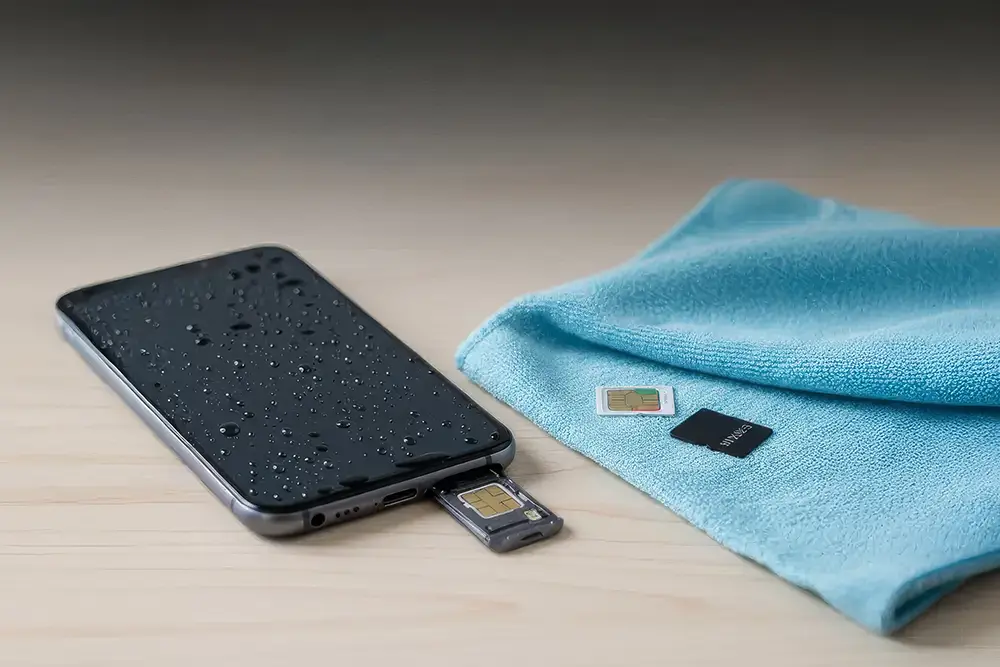
Once the phone is switched off, remove anything that can hold water inside.
- Remove the phone cover
- Take out the SIM card
- Remove the memory card if present
These parts trap moisture and slow down drying. Place them on a dry surface at room temperature and do not rush to put them back in.
Dry the Phone from the Outside Only
Use a soft cloth, tissue, or towel to gently wipe the outside of the phone.
- Do not shake the phone
- Do not tap it on a table
- Do not blow air into ports or speakers
Shaking or blowing air pushes water deeper inside, increasing internal damage.
Common Mistakes to Avoid After Water Exposure
Many people try online tricks that actually make the situation worse.
- Do not put the phone in rice
- Do not use a hair dryer or heater
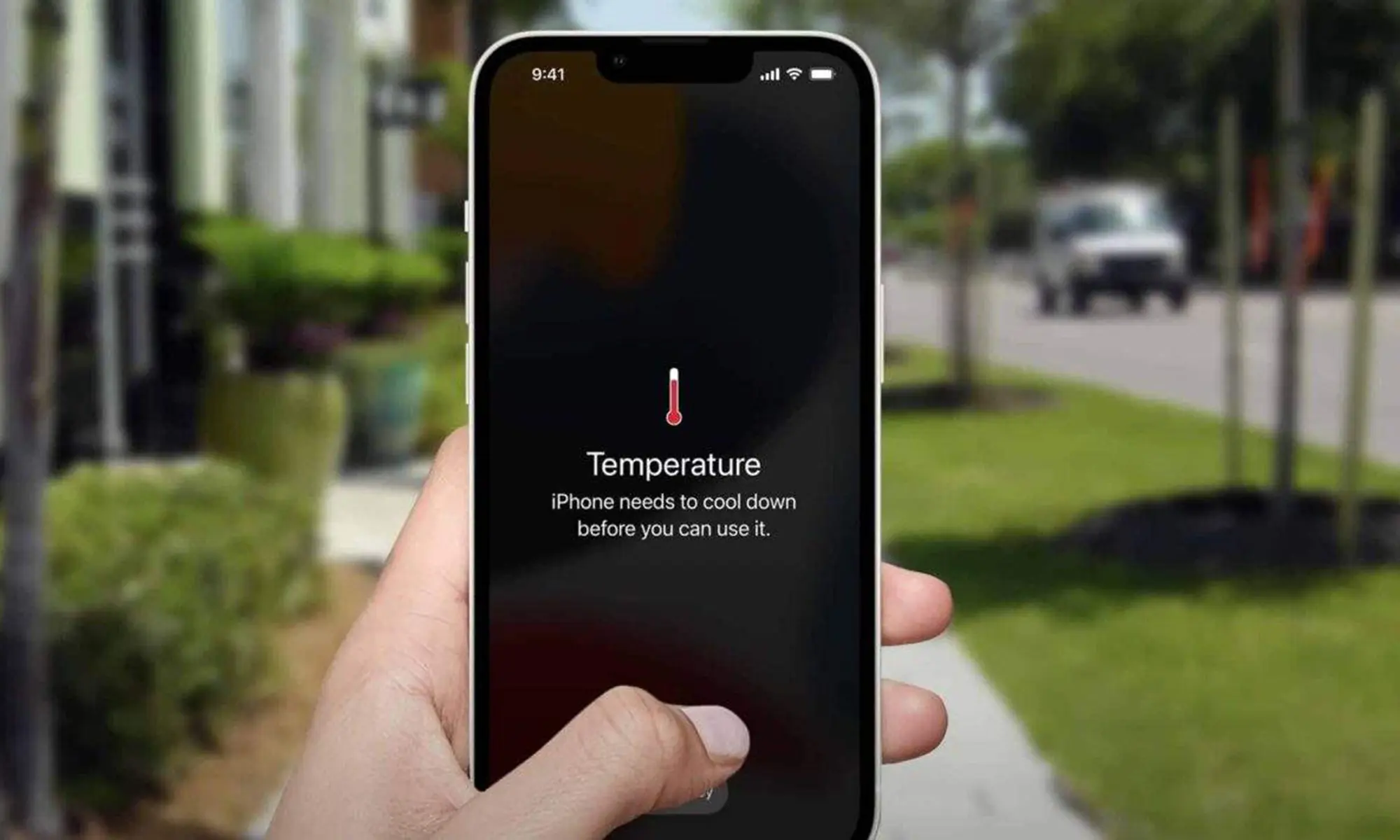
- Do not place the phone under direct sunlight
- Do not charge the phone
- Do not turn it on to test
Rice does not remove internal moisture. Heat damages batteries and screens. Charging a wet phone can cause short circuits.
Let the Phone Rest and Dry Naturally
Even if the phone looks dry outside, moisture may still be inside. Keep it switched off and place it in a dry, open area with normal airflow. Avoid sealed containers.
This step does not repair water damage—it only helps prevent further damage until inspection.
Why Professional Inspection Is Important
Water damage is unpredictable. A phone may work today and fail after a few days. Moisture slowly causes corrosion that affects the battery, charging port, speakers, microphone, and motherboard.
Early professional inspection helps stop corrosion before it spreads. This is especially important if you rely on your phone daily or have recently invested in used phones.
Can a Water-Damaged Phone Be Repaired?
In many cases, yes. Phones dropped in clean water have better recovery chances, especially when handled correctly. Phones exposed to salt water or dirty water are harder to repair but not always beyond saving.
The key factor is speed—how quickly the phone is inspected and cleaned.
What About Photos, Contacts, and Important Data?
Data recovery is often possible, even if the phone cannot be fully repaired. Photos and files can usually be saved if the phone is not damaged further by incorrect handling.
This is why it’s important not to experiment at home or repeatedly power the phone on.
How Long Should You Wait Before Repair?
Do not wait too long. Moisture causes corrosion over time. Even if the phone seems fine, damage may already be developing inside.
Early repair usually means lower cost and better long-term results, especially for users needing Mobile Phone Merriwa services.
What If the Phone Turns On Normally?
Some phones turn on after drying, but this does not mean the phone is safe. Charging issues, battery problems, or speaker failure can appear later.
A quick check by Mobile Phone Mindarie specialists can prevent future breakdowns.
Final Words
Water damage is stressful, but it does not always mean your phone is lost. Stay calm. Avoid online tricks. Turn the phone off, keep it dry, and get it checked early.
If water exposure has already caused physical damage like cracks, consider professional Phone Screen Repair Clarkson or Phone Screen Merriwa services. Battery-related issues may require Mobile Phone Battery Mindarie or Mobile Phone Battery Clarkson support.
Taking the right steps at the right time can save your phone, protect your data, and avoid higher repair costs later.[/vc_column_text][/vc_column][/vc_row]