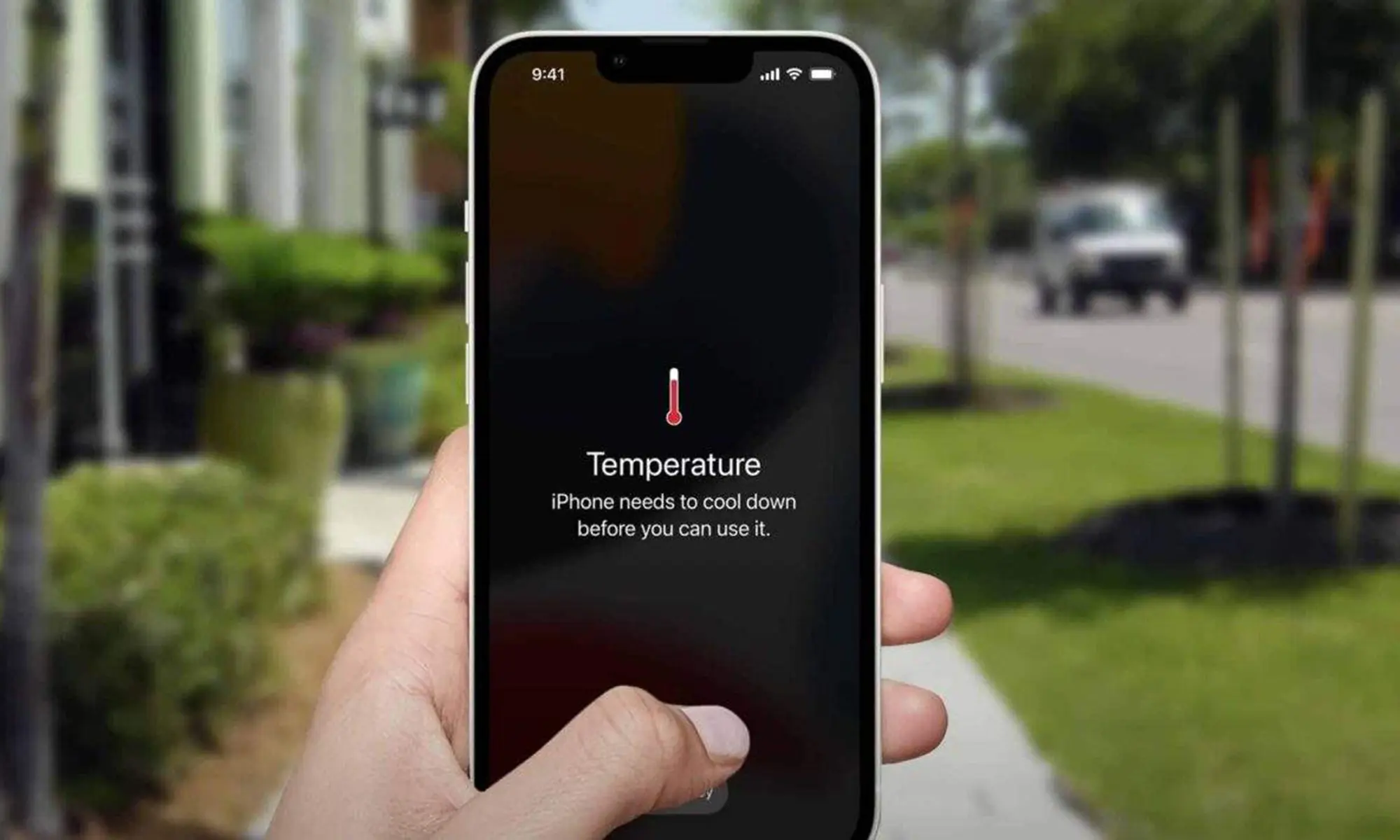
An iPhone can work perfectly one day and suddenly give you trouble the next. The screen may stop responding, the phone may become unusually hot, or the camera may open to a black screen. Charging, SIM and battery problems are also common as a phone gets older or suffers a drop or water exposure. Knowing Common iPhone Problems and How to Fix Them can help you decide whether a simple setting change will solve the problem or whether your phone needs professional repair. Here are some common faults, what may cause them, and what you can try first.
Common iPhone Problems and How to Fix Them: Simple Checks Before Repair
Some iPhone faults look serious but may come from a frozen app, damaged cable, blocked charging port or software issue. Check the basics first before you reset your phone or replace parts. If your iPhone has physical damage, gets very hot, has been exposed to water, or repeatedly shuts down, avoid trying to open it yourself.
1. iPhone Touch Screen Not Working
An iphone touch screen not working can make even a simple call or message difficult. Sometimes the screen freezes because an app has stopped working. In other cases, a cracked display, moisture or internal screen damage may be responsible.
Try these steps:
- Clean and dry the screen.
- Remove the case and screen protector temporarily.
- Force restart the iPhone.
- Unplug the charging cables and accessories.
- Check whether the screen has visible cracks or impact damage.
If your iphone screen does not respond to touch continues after restarting, the display or touch components may need checking. A Phone Screen Repair Melbourne service can be a useful internal link here for readers dealing with cracked or faulty displays.
2. iPhone Overheating
iPhone overheating can happen while gaming, using navigation, recording video, charging or leaving the phone in direct sunlight. Heavy background activity may also raise the temperature.
Stop using the phone for a while, remove the case and move it away from heat. Avoid putting it in a fridge or freezer because sudden temperature changes can create moisture inside the device.
If the phone gets hot under normal use or when idle, have the battery or other internal part checked. Heat problems with batteries can naturally be linked in when you’re talking about Mobile Phone Battery Replacement Melbourne.
3. Liquid Detected in Lightning Connector
The liquid detected in lightning connector warning usually appears when the iPhone senses moisture around its charging connection. Do not keep plugging the charger back in.
Disconnect the cable and leave the phone in a dry, ventilated place. Keep the connector facing downward so moisture can escape. Avoid using a hair dryer, compressed air or inserting tissue into the port.
If the warning remains after the connector has completely dried, get the charging port checked before repeated charging attempts cause further trouble.
4. SIM Failure on iPhone
A sim failure iphone message can stop calls, texts and mobile data. Start by turning Airplane Mode on and off. Restart the phone and check whether the SIM card sits correctly in its tray.
If possible, try another working SIM. This can assist you in determining if the issue is with the SIM card, network or phone. Persistent SIM errors may indicate a damaged tray, SIM reader or internal connection.
5. iPhone Camera Shows a Black Screen
An iphone camera black screen does not always mean the camera has failed. Close the Camera app and open it again. Switch between the front and rear cameras and restart the phone.
Also check whether another app is currently using the camera. If the problem started after a drop, the camera module or its connection may have been damaged.
When both cameras remain black after a restart and software checks, professional testing is usually the safer option.
6. How to Know if iPhone Is Charging When Dead
Many users wonder how to know if the iphone is charging when dead because a completely drained battery may not switch on immediately.
Connect the iPhone to a known working charger and leave it for around 20–30 minutes. A battery symbol should eventually appear. Try another cable, adapter and power socket if nothing happens.
Check the charging port for visible dust or debris, but do not push metal objects inside it. If the phone remains completely unresponsive, the charging port or battery may need attention. Mobile Phone Battery Replacement Butler fits naturally as an internal link in this section.
7. iPhone Keeps Turning On and Off
If your iphone keeps turning on and off, the phone may be stuck in a restart loop. Low battery health, damaged hardware, failed updates or storage problems can sometimes lead to repeated restarting.
Try a force restart first. If you can access the phone, check available storage and install pending iOS updates. Back up important photos, contacts and files whenever possible.
Repeated shutdowns accompanied by unusual heat, battery swelling or recent water damage should be checked by a repair technician rather than repeatedly restarted.
When Should You Get Your iPhone Checked?
Simple software problems may clear after a restart, update or charging check. Physical damage is different. A cracked display, swollen battery, damaged charging port or water-related problem can become worse with continued use.
When readers require assistance beyond basic troubleshooting, Zee Mobi Solutions is a natural reference. Zee Mobi Solutions provides mobile device repair services. Relevant service pages can also guide users toward repair options based on their device problem and location.
For useful internal linking throughout this blog, naturally use Mobile Phone Repairs Melbourne, Mobile Phone Repair in Perth, Mobile Phone Repair Coburg, Mobile Phone Repairs Butler, Phone Screen Repair Melbourne and Phone Screen Repair Butler.
Where the subject fits, you can also link supporting service categories such as Laptop Repairs, Computer & Desktop Repairs, iPad Repairs and MacBook Repairs instead of forcing unrelated links into iPhone sections.
FAQs
Why is my iPhone screen not responding?
A frozen app, software problem, moisture, cracked screen or damaged display can stop the touchscreen from responding.
Why does my iPhone keep overheating?
Heavy apps, charging, direct sunlight, battery problems and background activity can make an iPhone unusually hot.
Can I charge my iPhone after a liquid warning?
Wait until the charging connector is completely dry before reconnecting a cable.
Why does my iPhone keep restarting?
Repeated restart can be caused by battery faults, storage problems, software errors or internal damage.
When should I take my iPhone for repair?
Get it checked when basic troubleshooting fails or when you notice physical, battery, charging or water damage.