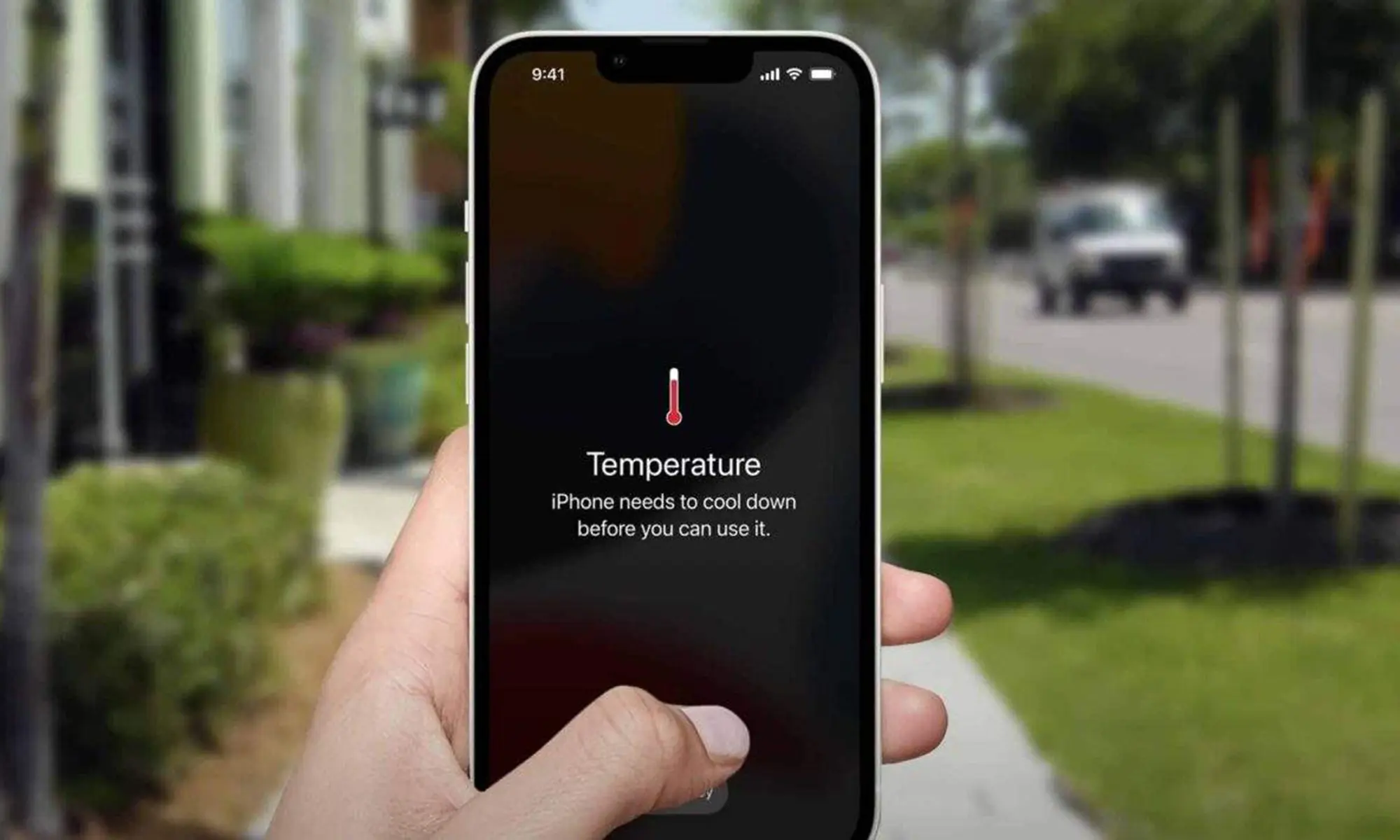
[vc_row type=”in_container” full_screen_row_position=”middle” column_margin=”default” scene_position=”center” text_color=”dark” text_align=”left” overlay_strength=”0.3″ shape_divider_position=”bottom” bg_image_animation=”none”][vc_column column_padding=”no-extra-padding” column_padding_position=”all” background_color_opacity=”1″ background_hover_color_opacity=”1″ column_link_target=”_self” column_shadow=”none” column_border_radius=”none” width=”1/1″ tablet_width_inherit=”default” tablet_text_alignment=”default” phone_text_alignment=”default” overlay_strength=”0.3″ column_border_width=”none” column_border_style=”solid” bg_image_animation=”none”][vc_column_text]When a laptop suddenly shuts down, most people feel confused. One moment everything is working. The next moment the screen goes black. Sometimes it happens repeatedly. Many people assume it is a software issue or a battery problem. In most cases, however, overheating is the real cause.
Laptops are designed to protect themselves. When internal temperature rises beyond a safe limit, the system shuts down automatically to prevent permanent damage. This is a safety response, not a malfunction.
Why Overheating Causes Laptop Shutdowns
Every laptop produces heat during normal use. The processor, graphics unit, and background applications generate warmth. A cooling fan pushes this heat out through vents. When airflow is smooth, the system remains stable.
Problems start when heat cannot escape. Temperature slowly increases until the laptop shuts down. This is similar to what happens when users ignore early Faulty Charging Port issues—small problems grow into bigger failures.
How Overheating Develops Over Time
Overheating rarely happens instantly. At first, the laptop feels slightly warm. Later, the fan becomes louder. Performance drops. Eventually, random shutdowns begin.
Many users restart the laptop and continue working. This repeated stress worsens internal damage.
Common Reasons Laptops Overheat
Overheating usually results from small issues building up over time. Common causes include:
- Dust accumulation inside the laptop
- Cooling fan malfunction
- Dried or worn thermal paste
- Using the laptop on soft surfaces
- Long gaming or heavy workloads
- Multiple background apps running
Why Dust Is a Major Overheating Cause
Dust enters through air vents and slowly blocks internal airflow. Even laptops that look clean outside may have heavy dust buildup inside. Heat stays trapped near the processor, leading to shutdowns.
Cooling Fan Problems
The cooling fan removes hot air from the system. When it becomes weak or noisy, cooling efficiency drops. Loud fan noise often signals internal struggle, similar to power issues caused by low-quality Adaptors or incompatible Iphone Chargers.
Thermal Paste Breakdown
Thermal paste transfers heat from the processor to the heat sink. Over time, it dries out. When this happens, even basic tasks cause excessive heat. Replacing thermal paste is one of the most effective fixes for older laptops.
Usage Habits That Increase Laptop Heat
How a laptop is used plays a big role in overheating.
- Using laptops on beds or cushions
- Extended gaming sessions
- Running too many apps at once
Simple habits help reduce heat:
- Use laptops on flat surfaces
- Take breaks during long use
- Close unnecessary applications
Early Warning Signs You Should Notice
Before shutdowns occur, laptops usually show warning signs:
- Fan noise getting louder
- Keyboard or base becoming hot
- System slowing down over time
- Screen freezing before shutdown
What Happens If Overheating Is Ignored
Ignoring overheating can damage critical components:
- Processor
- Motherboard
- Battery
- Storage drive
Sudden shutdowns can also lead to data loss. In extreme cases, the laptop may stop powering on completely.
Is Overheating Always a Hardware Issue?
Not always. Software problems can increase system load. Malware, outdated drivers, or excessive background apps force the laptop to work harder, generating more heat.
Poor charging habits—especially switching frequently between Wireless Chargers vs Traditional Cables without proper compatibility—can also contribute indirectly to power and heat stress.
When You Should Get Professional Help
If shutdowns continue despite basic care, professional inspection is important. A technician can:
- Clean internal dust
- Test and replace the cooling fan
- Apply new thermal paste
- Check motherboard health
Users already dealing with frequent device issues often explore alternatives like Smart Phones, Refurbished Phones, or Used Phones to stay productive.
Can Laptop Overheating Be Fixed?
Yes. Overheating is one of the most common and fixable laptop problems. Proper internal cleaning and cooling often restore performance completely.
Users who rely heavily on accessories such as Headphones, Airpods, or protective Ipad Covers benefit most from keeping their primary device healthy.
Final Thoughts
Random shutdowns are not normal. They are warnings. Overheating is your laptop’s way of asking for attention.
Addressing the issue early protects your data, avoids expensive repairs, and extends the life of your device—especially if you also depend on accessories like Wireless Chargers for daily use.[/vc_column_text][/vc_column][/vc_row]