[vc_row type=”in_container” full_screen_row_position=”middle” column_margin=”default” scene_position=”center” text_color=”dark” text_align=”left” overlay_strength=”0.3″ shape_divider_position=”bottom” bg_image_animation=”none”][vc_column column_padding=”no-extra-padding” column_padding_position=”all” background_color_opacity=”1″ background_hover_color_opacity=”1″ column_link_target=”_self” column_shadow=”none” column_border_radius=”none” width=”1/1″ tablet_width_inherit=”default” tablet_text_alignment=”default” phone_text_alignment=”default” overlay_strength=”0.3″ column_border_width=”none” column_border_style=”solid” bg_image_animation=”none”][vc_column_text]There’s nothing more disruptive than when your MacBook Suddenly shuts off in the middle of important work. One moment, you’re typing away; the next, a black screen. This isn’t just an inconvenience; it’s often a warning sign that something needs attention. The good news? In most cases, these sudden shutdowns of MacBooks can be resolved once the root cause is identified.
To know more about why your MacBook is shutting down and what it means, keep reading this blog.
Understanding the Problem: More Than Just a Glitch
First, it’s important to recognise what kind of shutdown you’re experiencing. A true sudden power-off is different from a system freeze or crash. When your computer suddenly shuts off randomly, as if someone had pulled the plug, that’s likely a hardware or power management issue. If the screen freezes but the device remains on, you’re likely dealing with a software problem. Here, you can opt for MacBook screen repairs.
These issues often start small, and recognising them can prevent more significant MacBook errors down the line. Maybe your laptop randomly powers off once, then works fine for weeks. Or perhaps it only happens when you’re running multiple applications. Pay attention to these patterns, as they’re valuable clues for troubleshooting.
For any specific hardware concerns or advanced diagnostics, reaching out to professionals specialising in laptop repairs in Coburg can help you resolve the issue effectively.
The Main Culprits Behind Unexpected Shutdowns
Let’s take a look at the possible reasons that might be causing the MacBook to shut down.
1. Battery Issues:
As MacBooks age, their batteries degrade. A failing battery is one of the most common reasons for a shutdown MacBook. You might notice it happening more frequently when running on battery power or when the charge level drops below 30%. The system might also report “Service Recommended” in the battery health section. If this sounds familiar, searching for a MacBook battery replacement near me could be your solution.
2. Overheating:
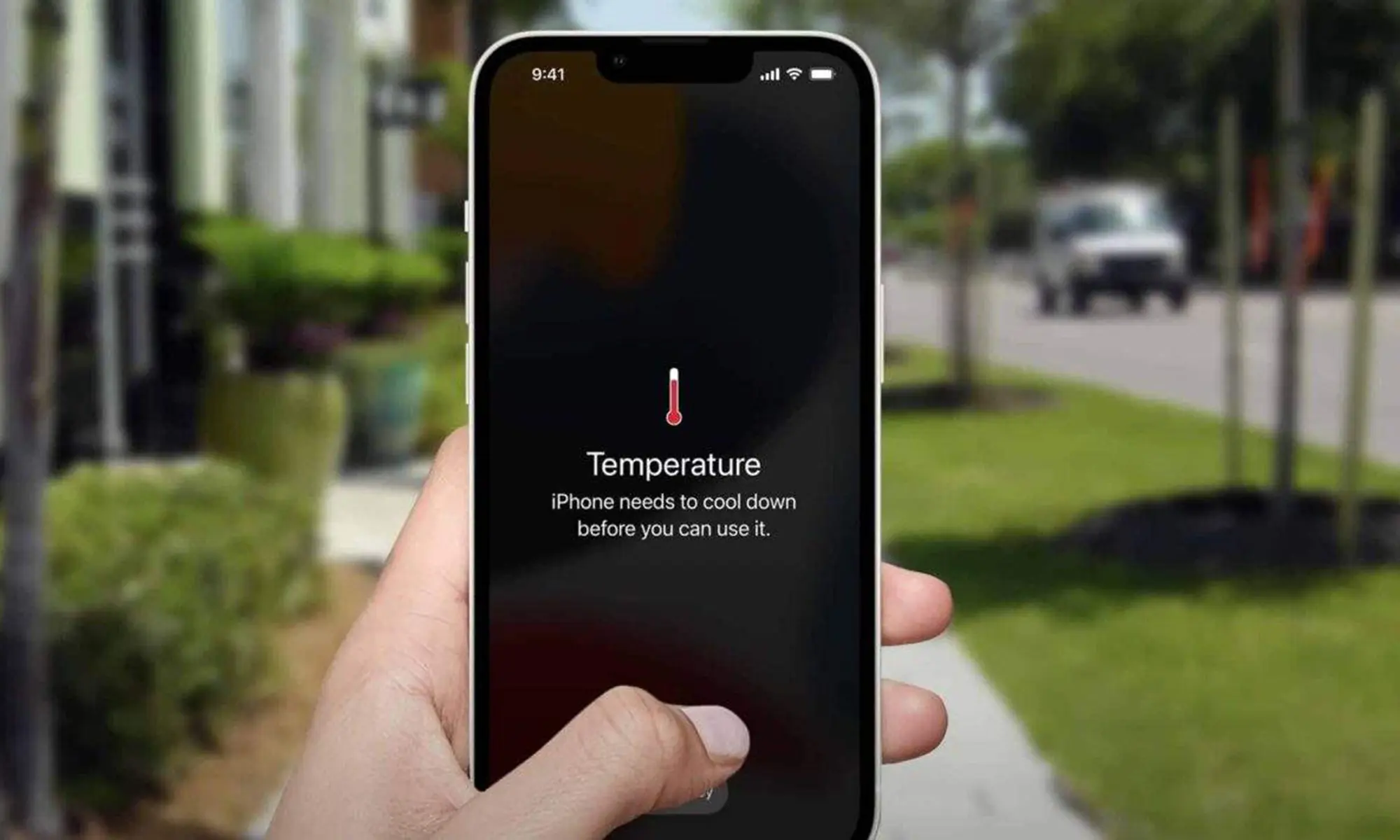
Modern MacBooks are designed to protect themselves by shutting down when internal temperatures reach dangerous levels. This often happens when:
- Cooling vents are clogged with dust
- You’re using processor-intensive applications
- The laptop is placed on soft surfaces that block airflow
If the bottom of your MacBook feels unusually hot to the touch before shutdowns occur, overheating is likely the culprit.
3. Software Problems:
Corrupt system files, incomplete updates, or problematic applications can all cause your computer to shut down randomly. These issues often appear after:
- macOS updates.
- Installing new applications.
- System crashes.
4. Hardware Failures:
While less common, serious hardware issues can cause the abrupt shutting down of your MacBook. Potential problems include:
- Failing logic board components.
- Faulty RAM modules.
- Power delivery issues.
These typically require professional Mac Computer Repairs through reliable Melbourne services.
5. SMC Issues:
The System Management Controller (SMC) handles critical power functions. When it malfunctions, you might experience various issues down at the Mac, including:
- Computer randomly shutdown.
- The battery not charging properly.
- Fans running at maximum speed constantly.
Resetting the SMC (the process varies by model) often resolves these issues.
6. Resource Hogs:
While macOS is generally secure, problematic processes can sometimes:
- Consume all available memory.
- Max out CPU usage.
- Cause kernel panics.
Checking Activity Monitor (located in Utilities) can reveal if a specific application is causing trouble. If you’re experiencing these issues consistently, it might be time to consider MacBook repairs in Melbourne.
Step-by-Step Troubleshooting Guide
Before seeking professional help, try these steps:
Check Battery Health
Go to Apple menu > About This Mac > System Report > Power. Look for “Cycle Count” (500+ indicates ageing) and “Condition” warnings.
Monitor Temperature
Install a temperature monitor app to check if overheating coincides with shutdowns.
Run Diagnostics
Hold D during startup to run Apple Hardware Test (Intel) or Apple Diagnostics (M1/M2).
Check for Software Issues
- Boot in Safe Mode.
- Reinstall macOS (without erasing data).
- Create a new user account to test.
Reset System Management
- Reset SMC (process varies by model).
- Reset NVRAM (Intel models only).
When to Seek Professional Help?
If you’ve tried these steps and your MacBook continues to power off randomly, it’s time for professional assistance. This is particularly important if:
- Shutdowns are becoming more frequent.
- You notice burning smells.
- The device won’t power on at all.
Preventing Future Shutdowns
Once resolved, these practices can help avoid recurrence:
Battery Care
- Avoid constant 100% charging.
- Use optimised charging when available.
Temperature Management
- Keep vents clear.
- Use on hard, flat surfaces.
- Consider a cooling pad for intensive tasks.
Software Maintenance
- Keep macOS updated.
- Regularly review startup items.
- Monitor system resources.
Hardware Checks
- Annual professional cleaning.
- Early replacement of ageing batteries.
To maintain optimal system health and address any software or hardware glitches, reliable computer repairs in Ascot Vale can offer expert assistance.
Final Thoughts
So the next time your computer cuts off randomly, remember: it’s an indication that something needs attention. While some issues can be resolved with simple troubleshooting, others require professional expertise. The key is to address the problem early. What starts as occasional shutdowns can develop into more serious issues if left unchecked. By understanding the potential causes and taking appropriate action, you can extend your MacBook’s lifespan and avoid unexpected interruptions to your work.
Need a professional assistance? Get in touch with us.[/vc_column_text][/vc_column][/vc_row]