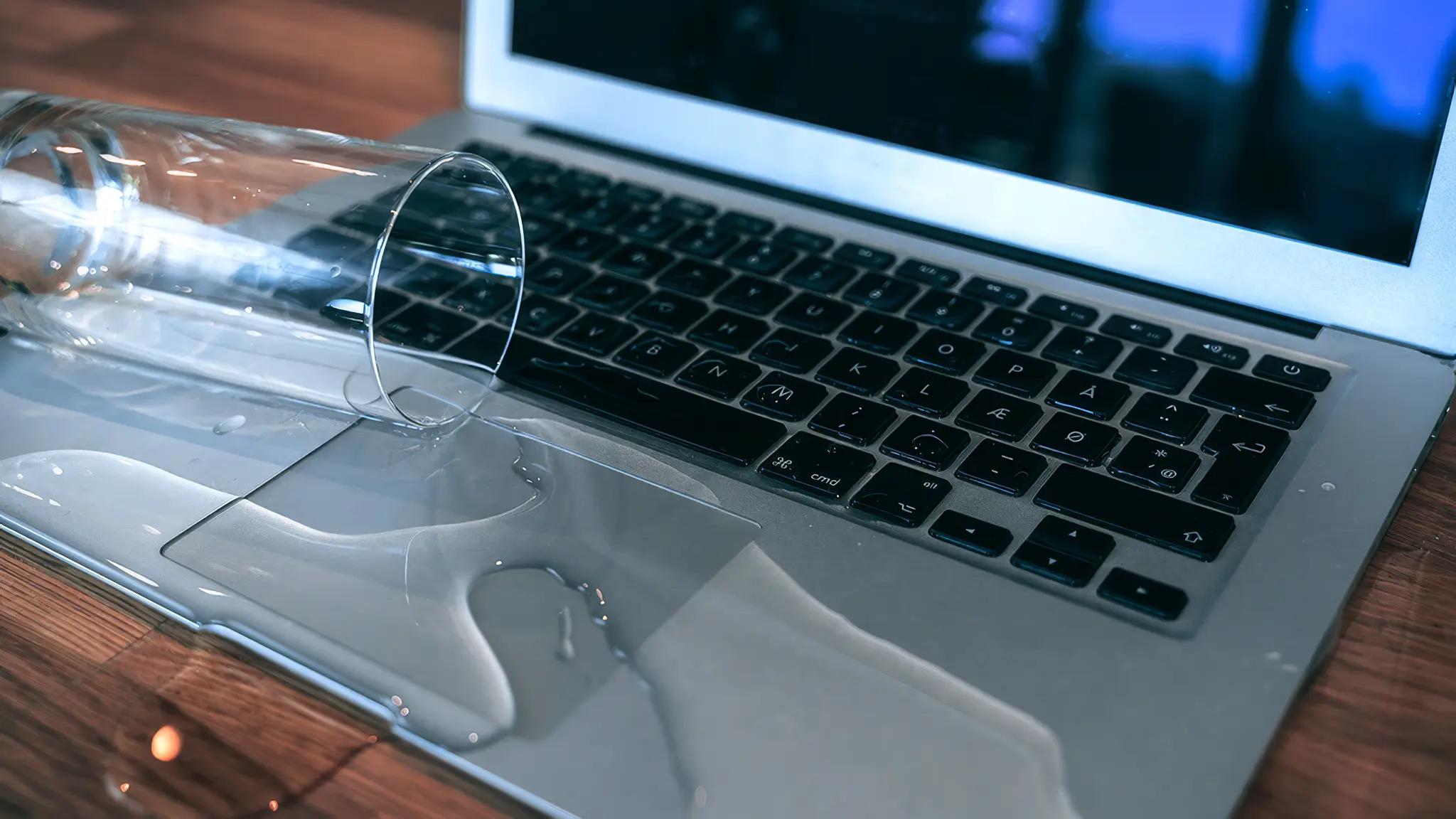
Accidents happen. A glass of water toppled over your desk, and now your MacBook has spilled water on MacBook. Panic sets in, but the truth is, all is not lost. Acting fast can prevent macbook water damage from becoming permanent. The first thing you should do is turn off the device immediately. Powering on while it’s wet can cause short circuits and make the damage worse.
Next, unplug every accessory—chargers, USB drives, and external devices. Carefully blot any visible water using a lint-free cloth. Avoid rubbing or using heat sources like hairdryers, which can warp delicate components. The goal here is simple: stop water from reaching sensitive areas like the motherboard and trackpad.
What Parts Can Survive When a Macbook Damaged?
Not everything inside a MacBook is doomed after a spill. Certain components can still work if the water is addressed quickly. Typical parts that may survive include:
- Storage drives and SSDs
- Battery, if it hasn’t shorted
- Some ports and connectors
Unfortunately, keyboards and the logic board are the most vulnerable. The more quickly you respond, the higher the chances of saving these parts.
Why Professional Help Matters to Repair Macbook
Trying to fix a water damaged MacBook yourself often makes things worse. Professionals, like Zee mobi solutions, know how to safely open the MacBook, clean the circuits, and dry each component properly. Their process usually involves:
- Carefully disassembling the MacBook
- Cleaning the motherboard and other parts to remove moisture and residue
- Drying the device under controlled conditions
- Replacing any damaged components
The quicker you get expert help, the more likely your MacBook can be saved and your data recovered.
Type of Liquid Matters
Different liquids affect your MacBook in different ways:
- Water: May cause corrosion slowly but still harmful if ignored
- Sugary drinks or coffee: Leaves sticky residue that can instantly damage circuits
- Tea or saltwater: Causes rapid corrosion and needs urgent attention
No matter the liquid, never power on a wet MacBook. Early intervention can make a huge difference.
After Repair: Testing Everything
Even after professional repair, you should test all functions carefully:
- Keyboard and trackpad responsiveness
- Wi-Fi, Bluetooth, and ports
- Battery life and charging
- Software functions
Some issues from water damage may appear later, so monitoring your MacBook for weeks after the repair is wise.
Tips to Avoid Future Spills
Simple precautions can save you from another scare:
- Keep drinks away from your desk and devices
- Use keyboard covers and protective cases
- Place MacBook on stable, dry surfaces
- Check for early signs of moisture damage and act quickly
Preventing spills is always easier than repairing them.
Frequently Asked Questions
1. Can a MacBook survive a water spill?
Yes, if it is turned off immediately and taken to a repair service quickly.
2. Can I dry it at home safely?
Blotting visible water is fine, but do not use heat or rice. Professional drying is more reliable.
3. How long does water damage repair take?
It can take 1–5 days, depending on how much damage occurred.
4. Can my files be saved after a water spill?
Yes, as long as the storage drive is not damaged, data can often be recovered.
5. Will Apple fix water damage under warranty?
No, liquid damage isn’t covered. Services like Zee mobi solutions offer repair options.