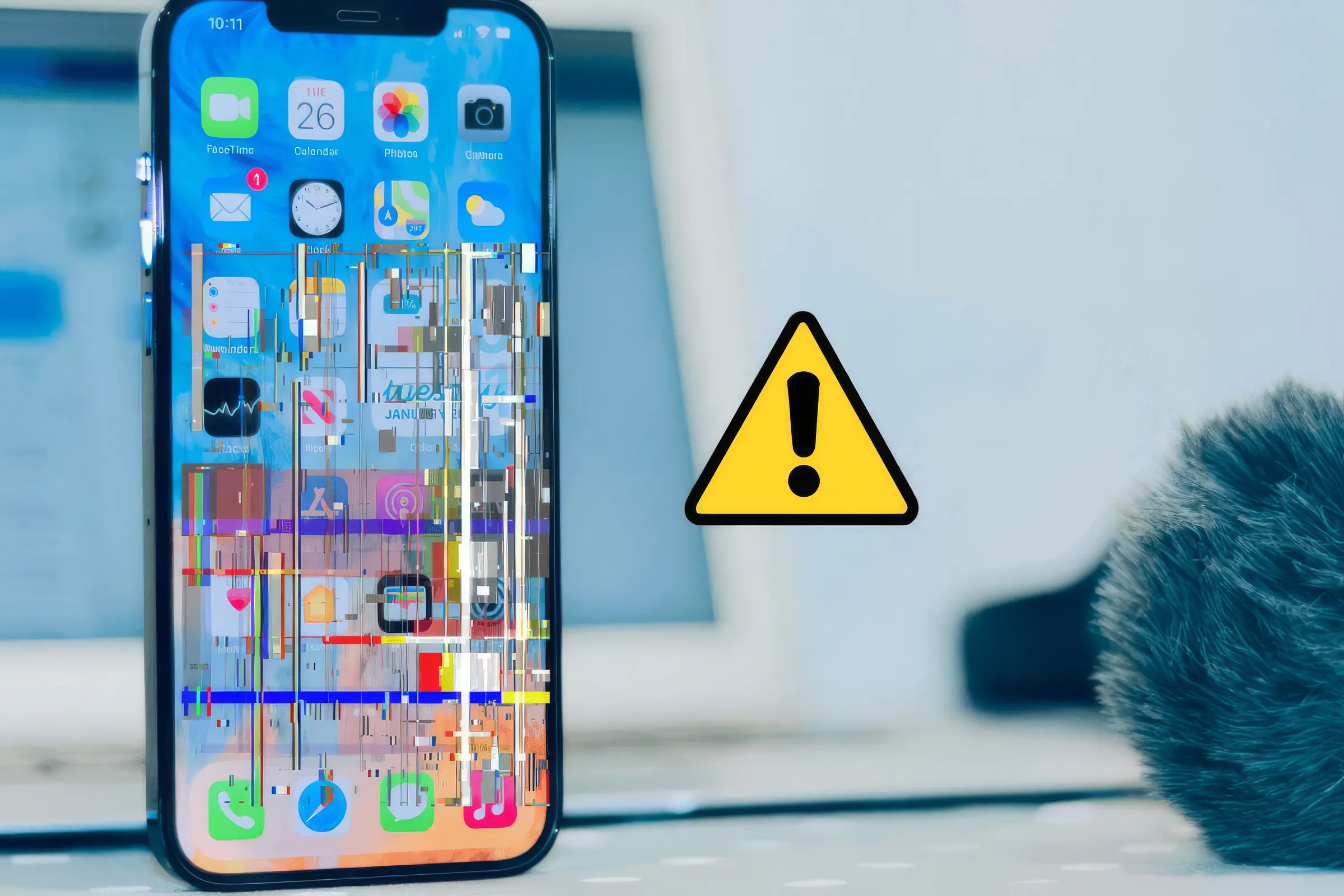
If your phone screen is flickering, it can be really annoying and sometimes make it hard to use your device. Whether you’re seeing your display blink or glitch randomly, there are ways to fix it. Zee Mobi Solutions has helped many users get rid of these problems and make their screens smooth again.
Why Phone Screen Flickers
A flickering screen can happen for several reasons. Knowing the cause helps you fix it faster:
- Software issues: Outdated apps or system software can make your screen flicker.
- Problematic apps: Some apps aren’t built well and can interfere with your display.
- Display settings: Features like auto-brightness or adaptive brightness sometimes make the screen look unstable.
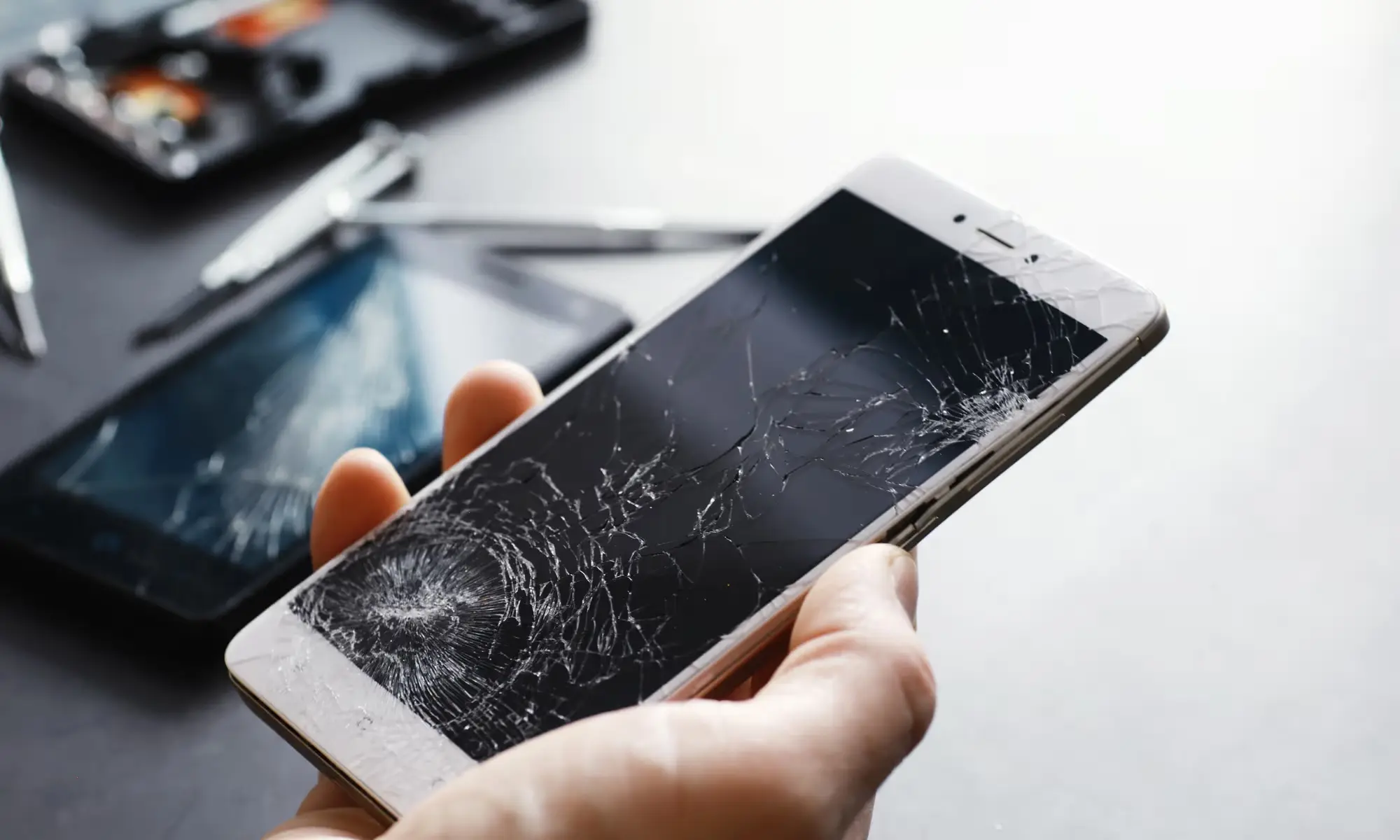
- Hardware problems: Loose connections inside the phone, a worn-out battery, or a damaged screen can cause flickering.
Easy Fixes You Can Try
Start with simple steps that often fix the issue:
- Restart your phone: Turn it off and back on. This can stop temporary glitches and flickering.
- Update apps and software: On Android, go to Settings > System > Software Update. On iPhone, check Settings > General > Software Update. Updating apps helps fix conflicts that may cause your screen to flicker.
- Close or uninstall apps: If flickering starts after opening an app, close it or uninstall it.
- Change display settings: Turning off auto-brightness or adaptive brightness can make your screen more stable.
Next Steps if Flickering Continues
If the screen still flickers after basic fixes:
- Try Safe Mode: This turns off third-party apps temporarily. If the screen stops flickering, a recently installed app may be the cause.
- Reset display settings: On Android, go to Settings > System > Reset Options > Reset Display Settings. On iPhone, use Settings > General > Reset > Reset All Settings.
- Check hardware: Persistent flickering might mean something inside the phone is loose or damaged. A professional inspection at Zee Mobi Solutions is the safest way.
- Factory reset: If nothing else works, back up your data and reset your phone. This clears software problems that could be causing flickering.
How to Avoid Screen Flickering
Once fixed, you can prevent it from coming back by:
- Keeping your apps and phone software updated.
- Only installing apps from trusted sources.
- Avoiding extreme charging habits to keep your battery healthy.
- Using a case to protect your phone from drops and damage.
These steps help your phone screen stay stable and responsive.
When to Call a Professional
If your screen keeps flickering or glitching even after trying everything, it’s likely a hardware problem. Experts at Zee Mobi Solutions can:
- Inspect your phone for loose connections.
- Repair or replace damaged screens.
- Make sure your display works normally again.
Getting professional help prevents further damage and keeps your phone in good shape.
FAQs
1. Why is my phone glitching after an app update?
Some apps can conflict with your system. Closing or uninstalling the app usually stops the flickering.
2. Can a flickering screen harm my phone?
Occasional flickering is fine. Persistent flickering may point to a hardware issue and should be checked by a professional.
3. How do I stop flickering caused by auto-brightness?
Turn off auto-brightness or adaptive brightness in your display settings. This often fixes the problem.
4. Can I fix flickering at home?
Yes, for software-related issues—restart your phone, update apps, or adjust settings. Hardware problems need a service center like Zee Mobi Solutions.
5. Does a screen protector cause flickering?
A properly fitted protector won’t. Cheap or damaged ones might affect screen sensitivity or display stability.